You can browse Sommly without an account. To book tickets, save favourites, or leave reviews, you will need a free wine lover account. Creating one takes about twenty seconds and no password.
Creating your account
From any page, tap List your event or head straight to /register. You will be asked what you want to do with Sommly.
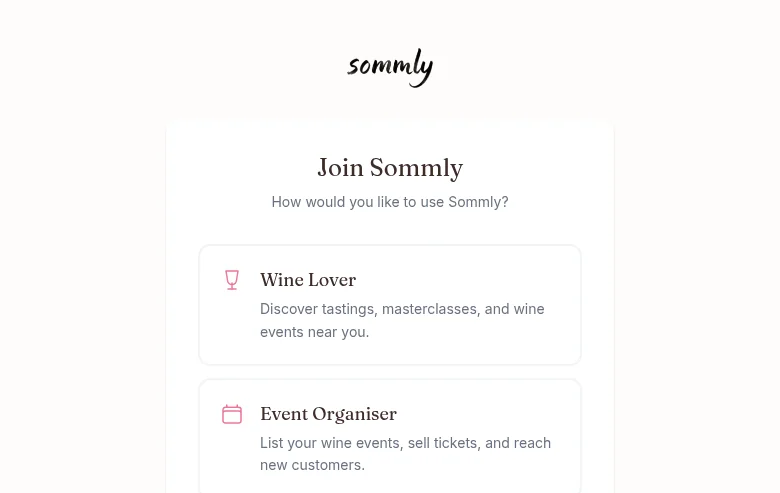
Choose Wine Lover. The next screen just asks for your name and email.
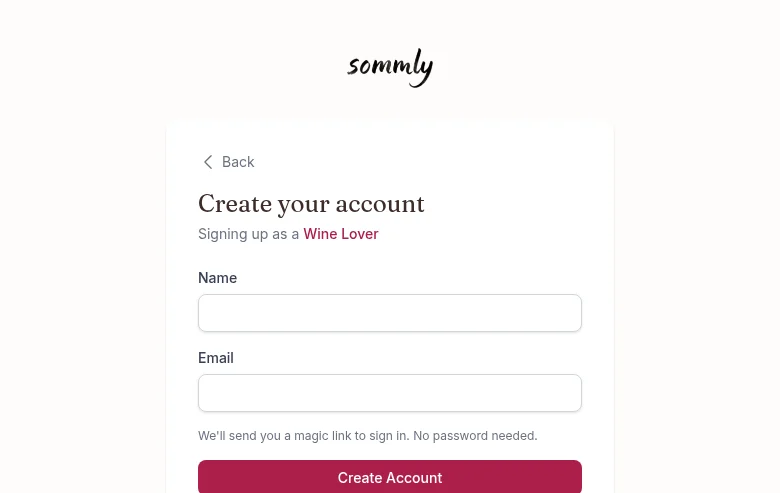
Hit Create Account. Check your email, click the link, and you are in. No password to forget.
Signing in later
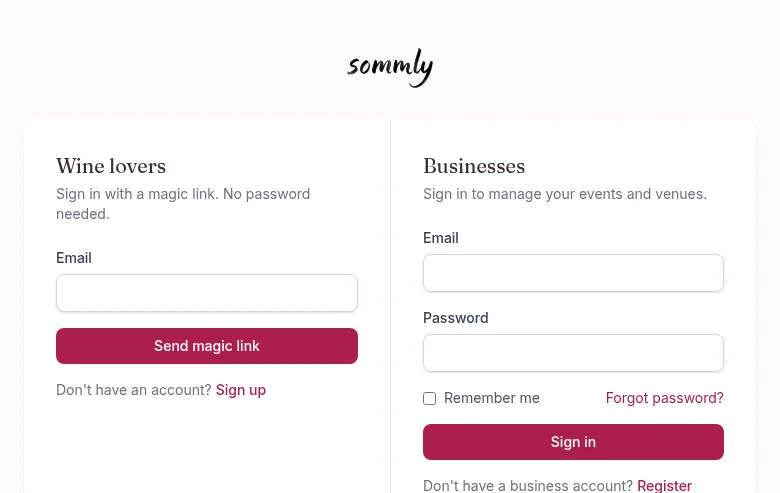
Head to /login. The wine lover side on the left takes just your email and sends you another magic link.
Note
If you booked as a guest
When you buy a ticket without being signed in, we store your order against the email address you used at checkout. To see those orders later, sign in with that same email and the orders will show up in My Orders.
Forgotten password
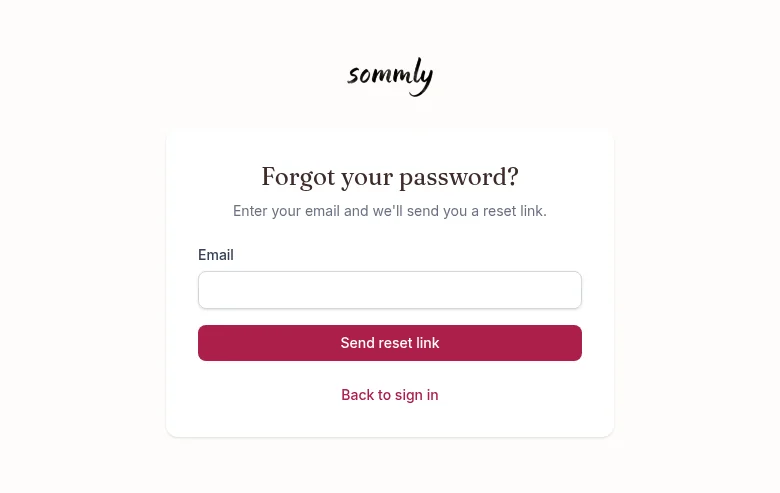
Wine lovers do not have a password, so this only applies if you have an Event Organiser account. From the login page tap Forgot password? under the Businesses column, enter your email, and we will send you a reset link.