Everything you have booked through Sommly is at My Orders. Use it to find your PDF tickets, track upcoming events, and request refunds.
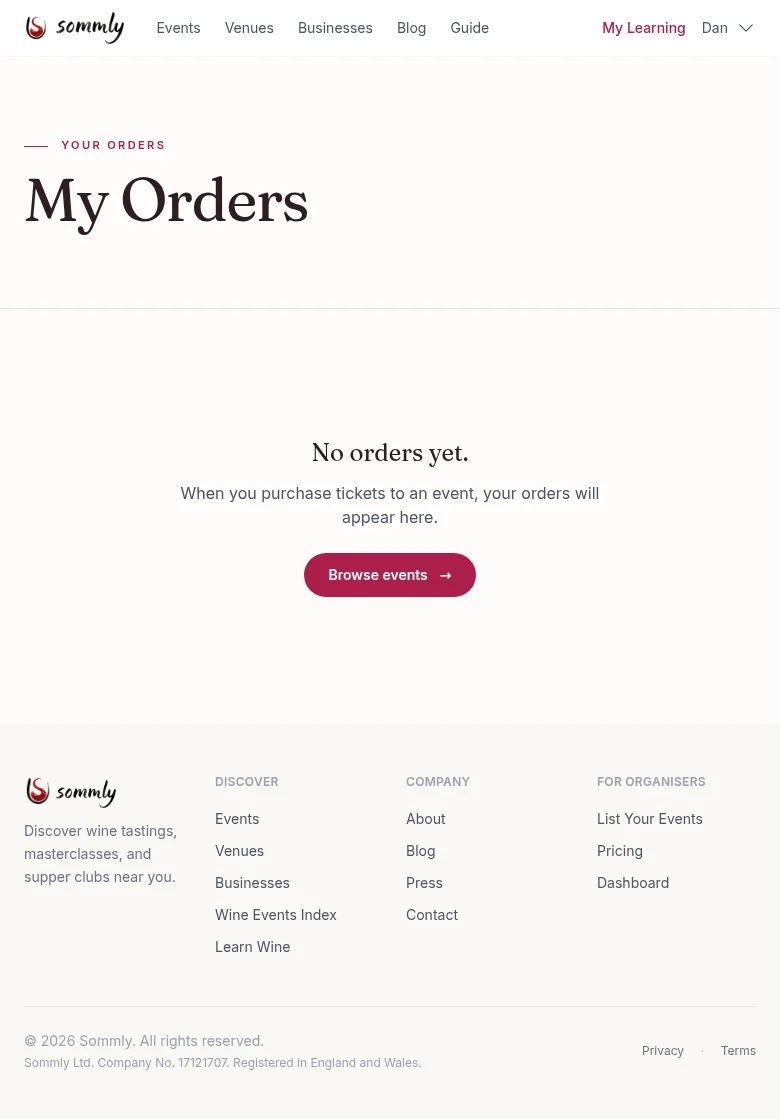
What each order shows
- Event name and date. So you do not have to dig for it again.
- Order status. Paid, pending, refunded, or failed.
- Ticket count and total. Exactly what you paid.
- Download tickets. A one-click PDF with every QR code on it.
- Request a refund. Visible when the event is still upcoming and within its refund window.
Requesting a refund
Open the order and hit Request refund. You confirm your email and Sommly checks that your order is eligible (refunds depend on the organiser's refund deadline for that event). If eligible, the refund runs automatically: Mollie returns the money to the original card or wallet, and the order status flips to Refunded within a few minutes.
If the event is outside its refund window or the organiser has marked it non-refundable, you will see a note explaining that, along with the organiser's email so you can ask directly.
Note
Booked as a guest?
If you paid without signing in, your orders are stored against the email address you used at checkout. Sign up or log in with that same email and they will appear here automatically.
You can also request refunds as a guest. The refund confirmation link in your ticket email takes you to a refund page that verifies with your email address instead of a login.
On the night
Arrive with your PDF ticket ready, either printed or on your phone. The organiser looks you up on their attendee list (by name, email, or by scanning the QR code) and checks you in.