The Box Office is for selling tickets in person, on the day of the event. Someone walks up, you pick their tickets, take payment, and hand them a ticket code. Useful for walk-ins, late comers, and events where you sell at the door as well as online.
Opening box office
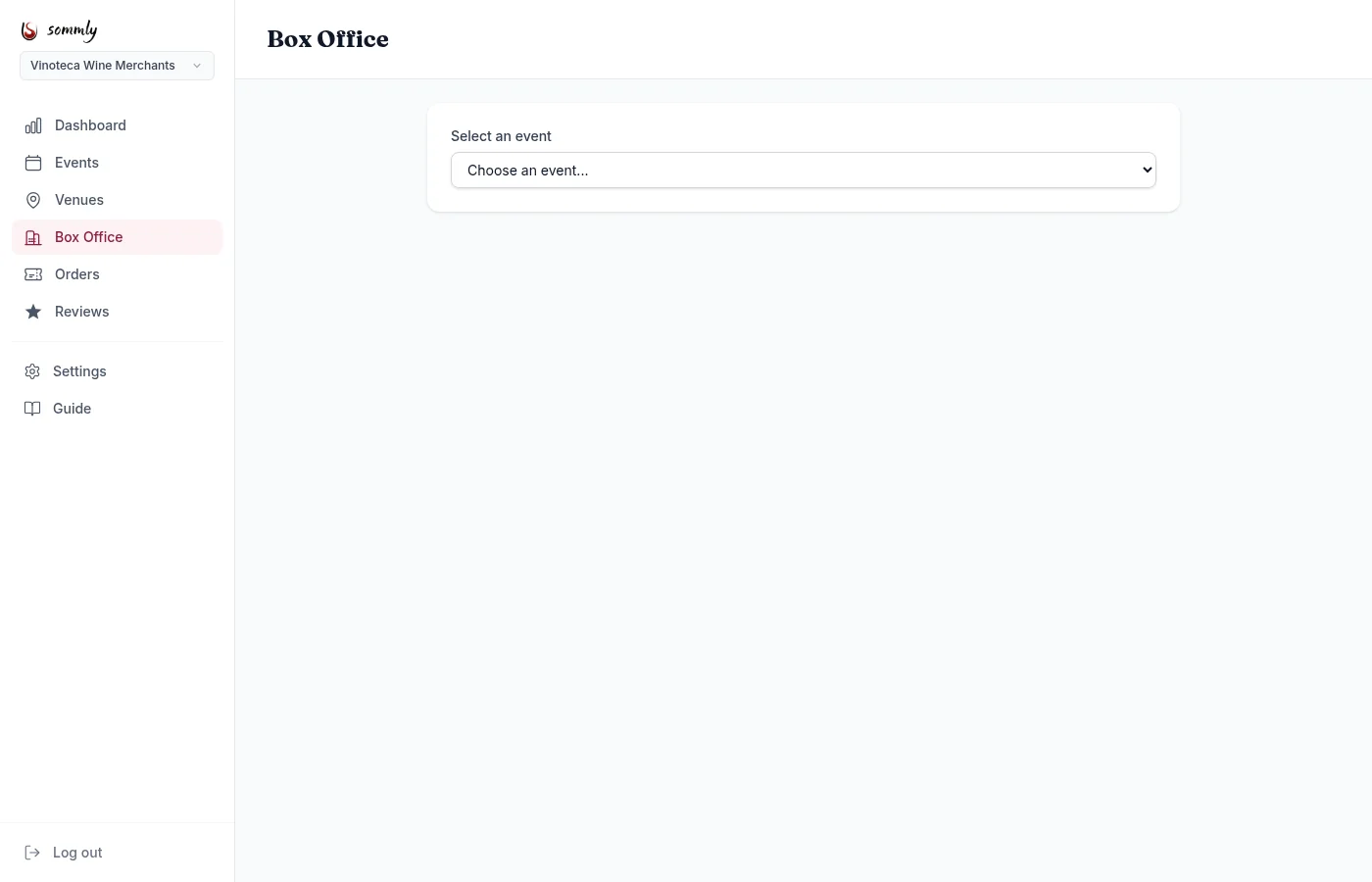
From the sidebar open Box Office and pick an event from the dropdown. The list shows your upcoming published events only.
Taking a sale
Once an event is selected:
- Ticket quantities. Plus and minus buttons for each tier, same as the buyer-facing picker.
- Attendee name and email. Takes the walk-in's details so they get a ticket in their inbox too.
- Payment method. Pick Cash, Card, or Comp (complimentary / free).
Hit Complete sale. Sommly generates a proper ticket code for each seat, updates the event's sold count, and confirms with the list of codes on screen. The attendee is also emailed a ticket PDF so they have it for later.
Note
Comp tickets
Pick Comp as the payment method to issue a free ticket without money changing hands. Handy for guests of the house, media, or staff shout-outs. Comped tickets still count toward event capacity and show in your Orders list with a Comp badge.
Starting the next sale
After a completed sale you get a confirmation screen with the ticket codes. Hit New sale to clear the form and take the next walk-in. The event selector stays on whichever event you chose, so you are not picking it every time.
Tip